
The project is eight months late and the contractor is preparing its extension-of-time submission. The planner asks for the accepted baseline programme. The original planner has left the company. The shared drive holds eleven files called "Master Programme": some native Primavera files, some PDF exports, one named "final rev 3 approved". Nobody is sure which one the Engineer accepted, and the consultant's copy shows different activity durations.
What it costs
Every delay analysis measures change against a starting point. If the parties cannot agree what the baseline was, the argument moves away from what caused the delay and towards which programme is the right one. That takes months, costs planners' and experts' fees on both sides, and weakens the contractor, who usually carries the burden of proving the delay.
A contractor claims 90 days of extension with prolongation cost of AED 20,000 a day, AED 1,800,000 in all. The consultant's planner uses a different version of the baseline and finds only 40 days of critical delay. The AED 1,000,000 difference now depends on proving which programme was accepted.
How it is usually handled
The programme lives in the planning software on one or two computers. Updates are saved over the old file, or as new files with new names. The accepted version is attached to a letter somewhere, and monthly updates go out as PDFs. Site records, photos and instructions are kept elsewhere, so linking an event on site to an activity in the programme becomes a manual job done years later, often by someone who was not there.
The baseline is the one document every later argument depends on, and it is often the one with the weakest custody.
How Quanto Management handles it
Quanto Management keeps the programme with the project, not on a planner's computer.
- Programmes are imported from Primavera P6 (XER or XML) or MS Project (XML), with versions, the baseline and progress updates kept in the project.
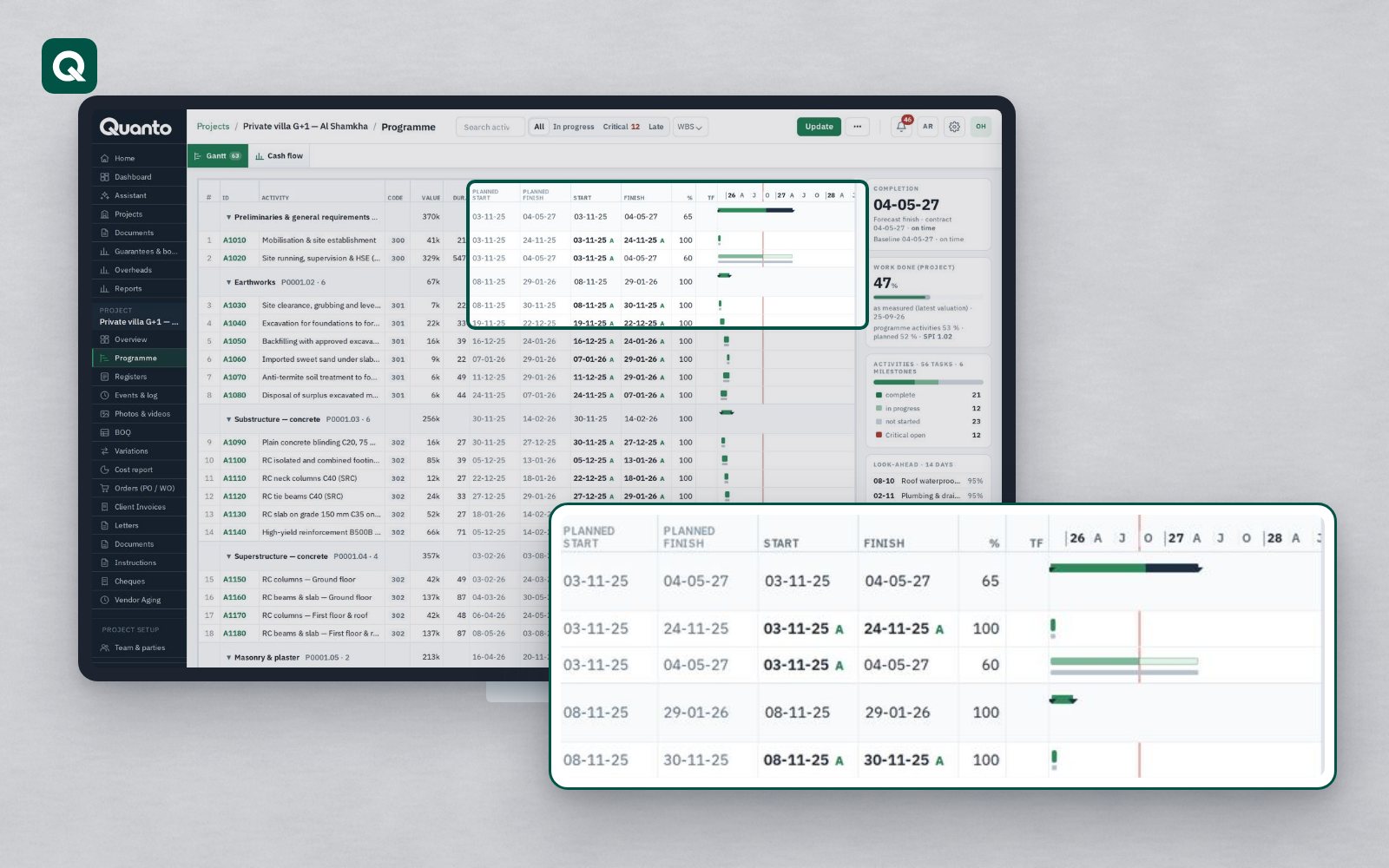
- The Gantt view shows critical and late activities, and a 14-day look-ahead.
- Planned progress is compared with earned and actual, with schedule and cost performance indexes.
- Site events, photos and videos can be linked to programme activities, so the record of what happened sits next to the activity it affected.
- On Business and above, time impact analysis with fragnets on the programme measures a delay event against it.
The owner, the consultant and the contractor share one project, so they look at the same programme. The project log records every action automatically, which keeps a history of what was done and when.
A short checklist
- Get the baseline accepted in writing, and keep the acceptance with the native file, not only a PDF.
- Never save an update over the baseline. Give every update its own version and data date.
- Keep the native programme files in one project location that both parties can see.
- Update progress against activities at least monthly, on a fixed data date.
- When a delay event happens, write the affected activity IDs into that day's site record.
Tomorrow: provisional sums spent without instruction.
Follow Quanto for a new article every day: LinkedIn · X · YouTube · Instagram · Facebook