
The MEP coordinator needs cable trays on site by Thursday. He calls a supplier he trusts, agrees a price on the phone and asks the procurement officer to "raise the PO". The order goes out the same day. Nobody checks which budget line it belongs to, or how much of that line has already been ordered. Three months later, the cost report shows the electrical containment budget overspent by a third. Every order was reasonable on its own.
What it costs
An order without a budget is not a single mistake. It is a commitment the project cannot see. Each one is small enough to pass, but together they eat the margin before anyone looks. By the time the overspend appears in the actual cost, the money has been committed, the goods are delivered and the invoices are due. All that remains is to explain it.
A containment budget of AED 900,000. Orders worth AED 1,050,000 are issued over four months, each between AED 20,000 and AED 80,000. The AED 150,000 overrun is only seen when the last invoices arrive. Had the committed cost been visible at the third or fourth order, the remaining scope could have been re-tendered or the specification reviewed.
How it is usually handled
The budget lives in the estimator's tender file. Orders live in the procurement officer's spreadsheet or the accounts system. Nobody holds both at once. Cost codes are added to orders afterwards, if at all, sometimes by accounts at invoice stage, sometimes by guesswork.
The project manager sees the cost report monthly, and it shows what has been invoiced, not what has been ordered. The gap between the two is exactly where the overspend hides.
How Quanto Management handles it
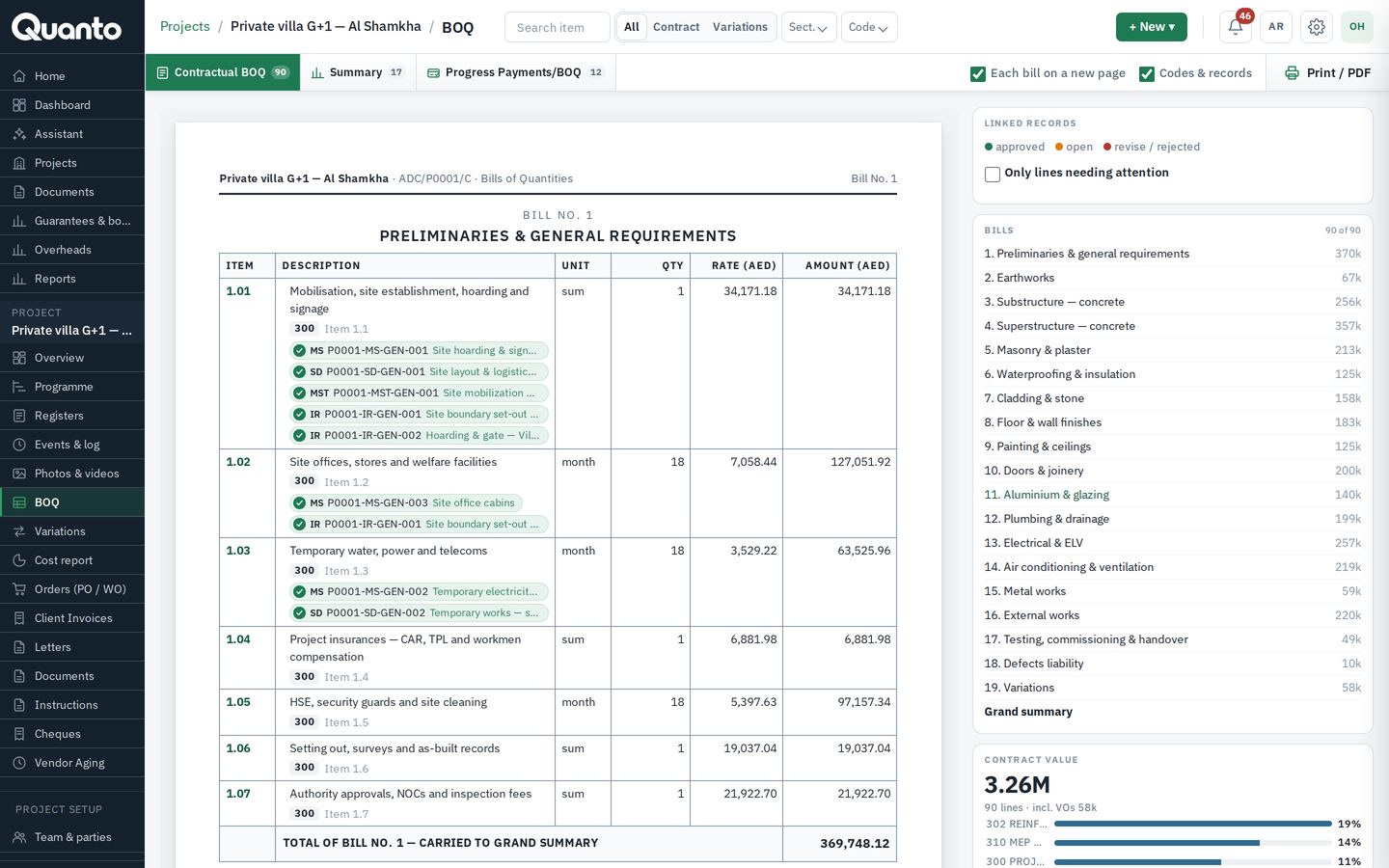
In Quanto Management (Professional and above), the budget and the orders sit on the same cost codes, so an order is never separate from the money it spends.
- The BOQ is set up in named sections, each line with its cost code.
- Purchase orders (materials) and work orders (subcontracts) are numbered automatically and booked against a cost code, so each one shows in committed cost when it is issued.
- A vendor quotation must be attached before an order can be issued, so the price is agreed in writing first.
- For each cost code you see the contract value, budget, committed, actual, and what is still to order.
- Expected final cost and margin are shown per project and across the company.
- Vendor invoices are recorded with their due dates, and payments are released after approval.
Suppliers and cost codes can be imported from Excel, so a project can start from the cost breakdown it already has.
A short checklist
- Do not issue any order without a cost code on it.
- Before signing, check what is already committed on that code, not only what has been invoiced.
- Ask for a written quotation before the order, even for urgent items.
- Keep a "still to order" figure for each major package and compare it to the remaining budget.
- Review committed cost weekly on the big packages, not only at month end.
Tomorrow: undated site photos.
Follow Quanto for a new article every day: LinkedIn · X · YouTube · Instagram · Facebook